A simpler reporting rhythm
From daily work to clear progress.
Team Suite AI gives your team a practical path from submitting work to reviewing and sharing the progress that matters.
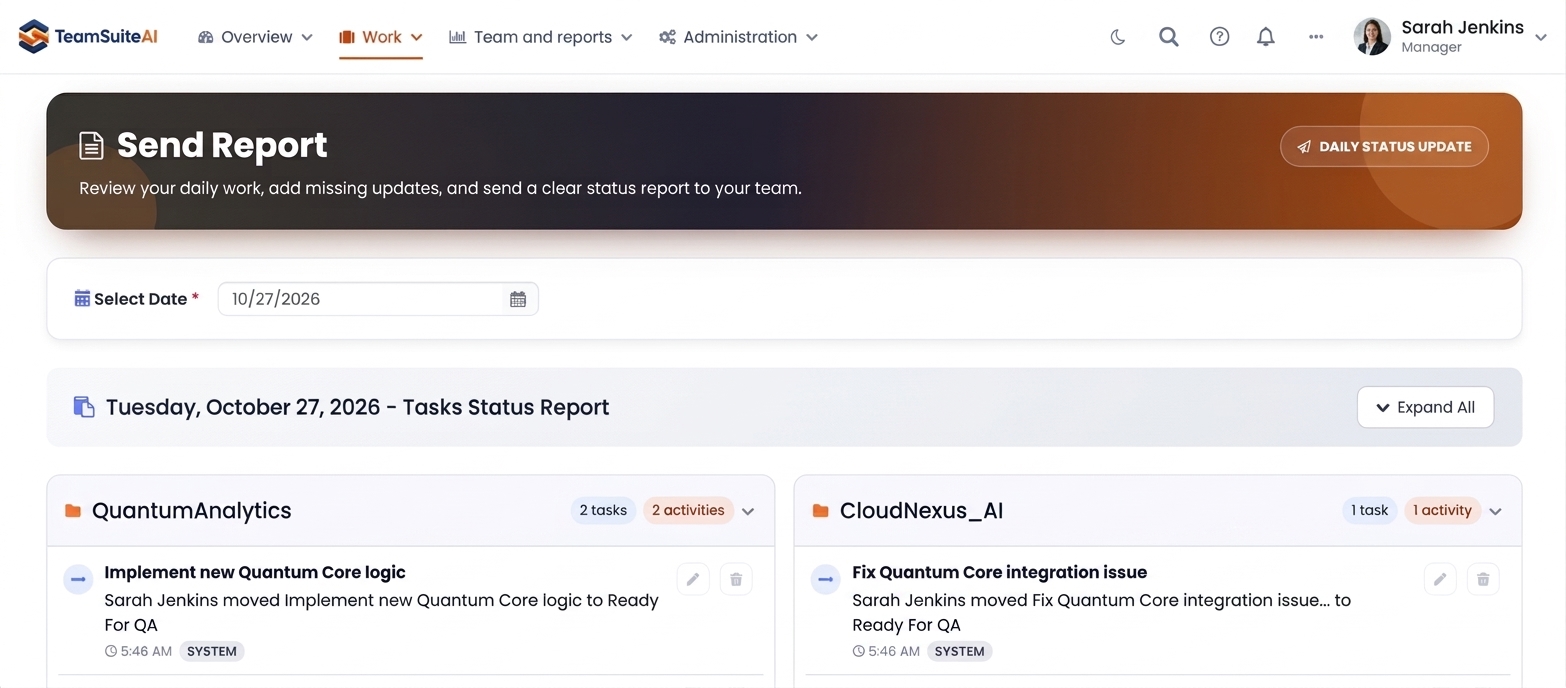
Give every project a clear starting point.
SET UP THE WORKSPACE
Submit Your Daily Tasks
Set up projects, roles, and reporting expectations so each person knows where work belongs, what to submit, and how progress will be reviewed. Team members can work from a shared structure instead of keeping updates in scattered chats or documents. This gives the team a clear starting point before the daily rhythm begins.
- Create projects and task context
- Set the daily reporting rhythm
- Define access and review expectations
- Give each role the right workspace view
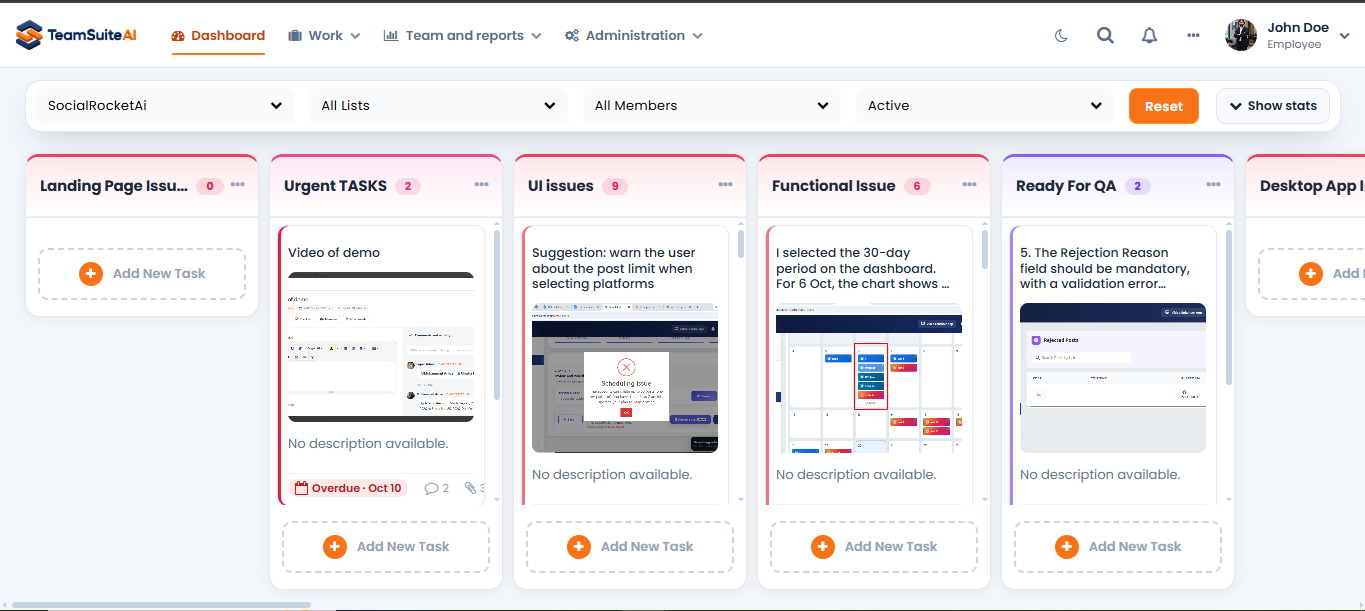
Keep the team’s daily work in context.
CAPTURE THE WORK
Organized in One Place
Employees record completed work, pending items, and blockers through a consistent daily update. They can explain what changed, what still needs attention, and whether anything is slowing progress. The written context stays connected to the tasks behind the work, so updates are easier to understand later.
- Submit completed work and blockers
- Keep updates connected to tasks
- Create a dependable written record
- Preserve context for future review
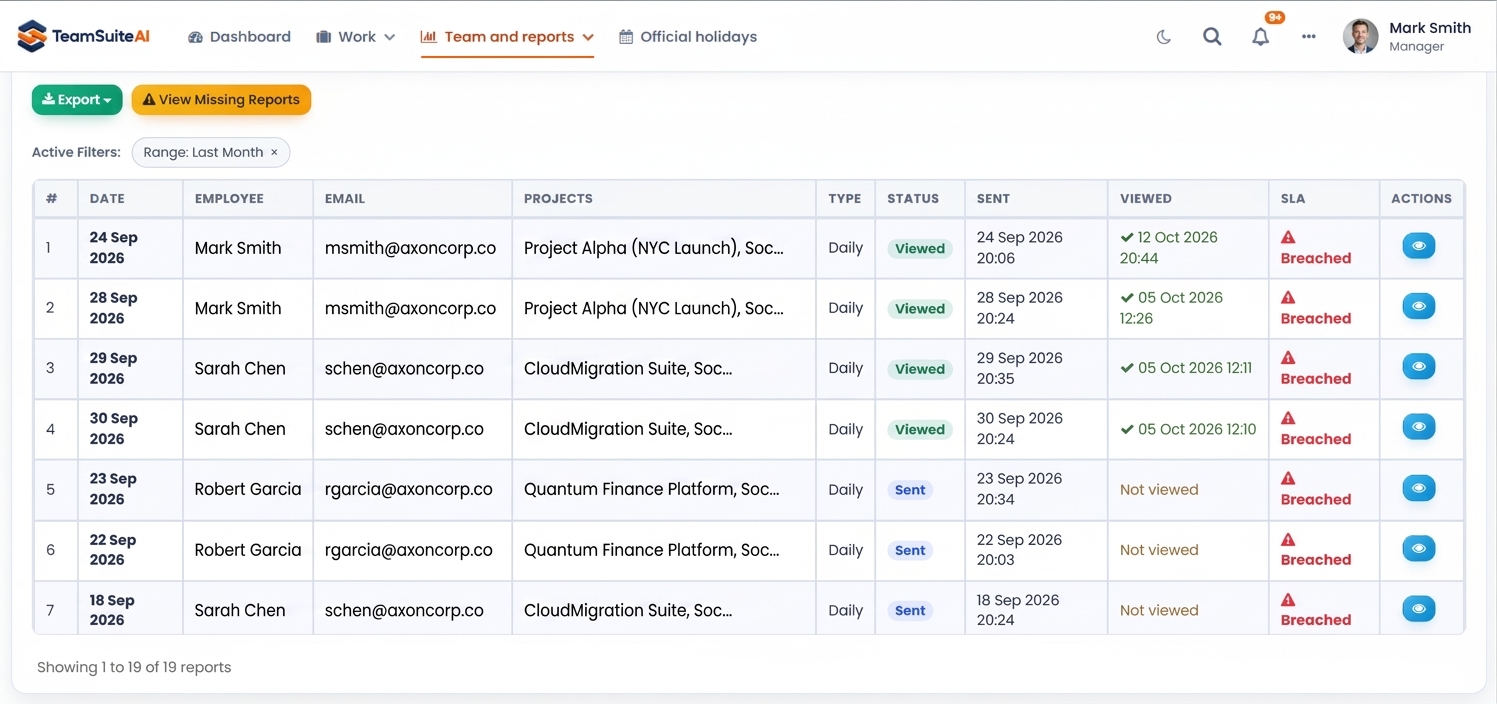
Move from daily updates to clear follow-up.
REVIEW THE SIGNALS
Track Your Productivity
Managers and admins can review reports, monitor submission status, and use progress views to focus follow-up where it is needed most. Filters and reporting history make it easier to compare updates across people, projects, and dates. Instead of chasing every update, they can start with the exceptions and signals that need attention.
- Review reports by person and project
- Spot missing or overdue submissions
- Follow progress with useful history
- Identify blockers before they grow
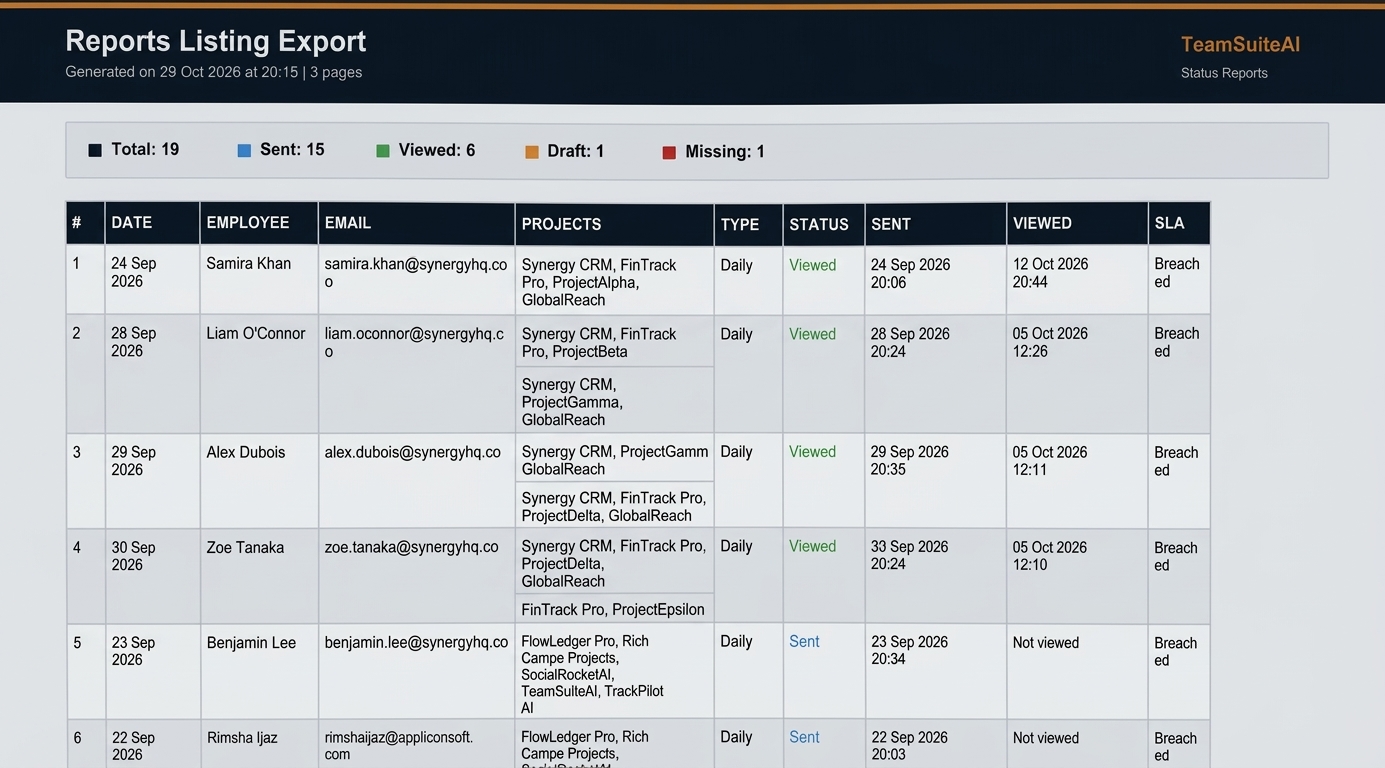
Make progress easier to understand and share.
SHARE THE PROGRESS
Share With Team / Manager
Use manager review, PDF exports, secure share links, or read-only client access to share progress without repeating the same work for every audience. Internal teams and external stakeholders can receive the level of context appropriate to their role, while permissions help keep private workspace details protected.
- Prepare clear manager updates
- Export reports as PDF when needed
- Share progress without opening internal access
- Keep stakeholders aligned on next steps
The outcome
A calmer way to keep progress visible.
Team Suite AI connects the everyday work people already do with the review and visibility managers need to keep projects moving.
Less status chasing
A consistent daily reporting rhythm gives managers a dependable place to start.
Clearer review
Reports, task context, and submission signals help teams focus follow-up on what matters.
Safer sharing
Role-based access, exports, and client visibility help share progress without opening the whole workspace.