Company Administration Controls
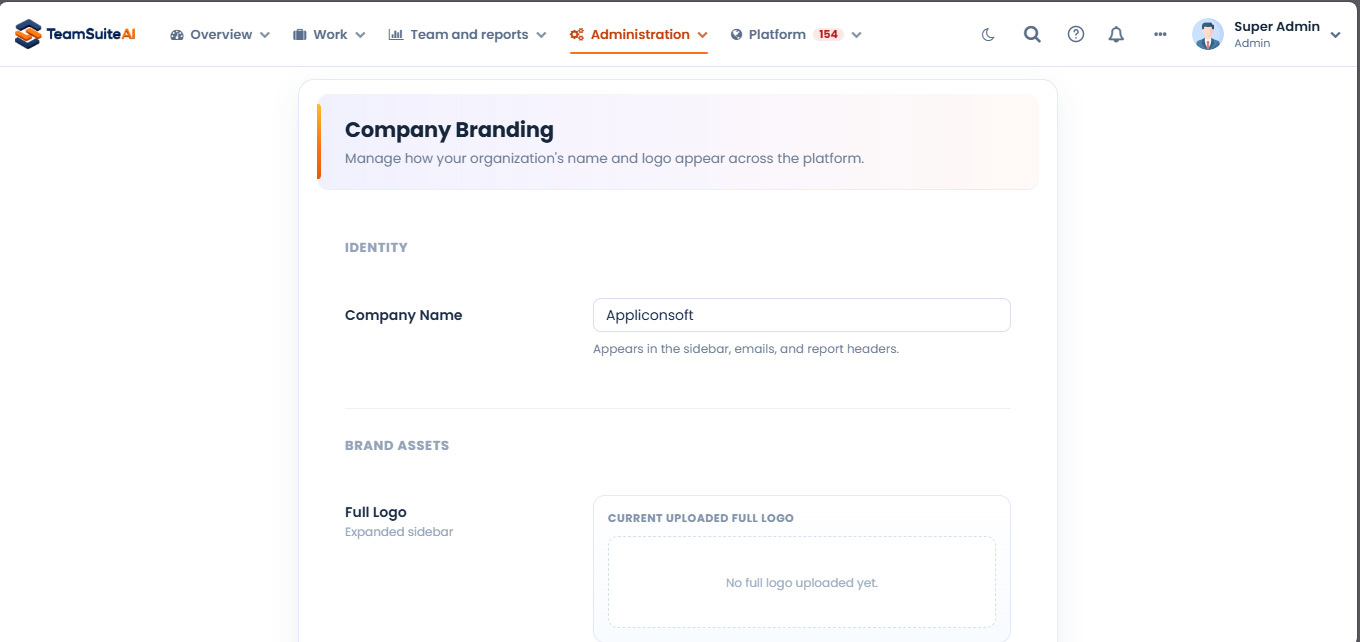
Admins configure roles, workspace settings, and access across the company from one place.
Feature overview
The tools your team needs to keep work moving.
Company Administration centralizes workspace settings and role management for the people responsible for running the account. It provides the control layer behind the day-to-day reporting and task workflows.
What it supports
Capabilities that fit the workflow
Granular Roles
Define granular roles (Super Admin, Admin, Project Manager, Employee, Client) to control exactly who sees what.
Workspace Access
Review role assignments and workspace access settings, then keep permissions aligned with each person’s responsibilities.
Governance & Logs
Maintain full accountability with detailed audit logs — see who did what, and when.
How it works
Set up the workspace before work begins
Configure the workspace, assign roles, review access settings, and keep administration separate from the project activity that employees and managers handle every day.
Best suited for
Admins onboarding a new team
Companies reviewing workspace access
Organizations maintaining role and settings consistency
Frequently Asked Questions
Everything you need to know about Team Suite AI. Can't find the answer? Reach out to our team.